
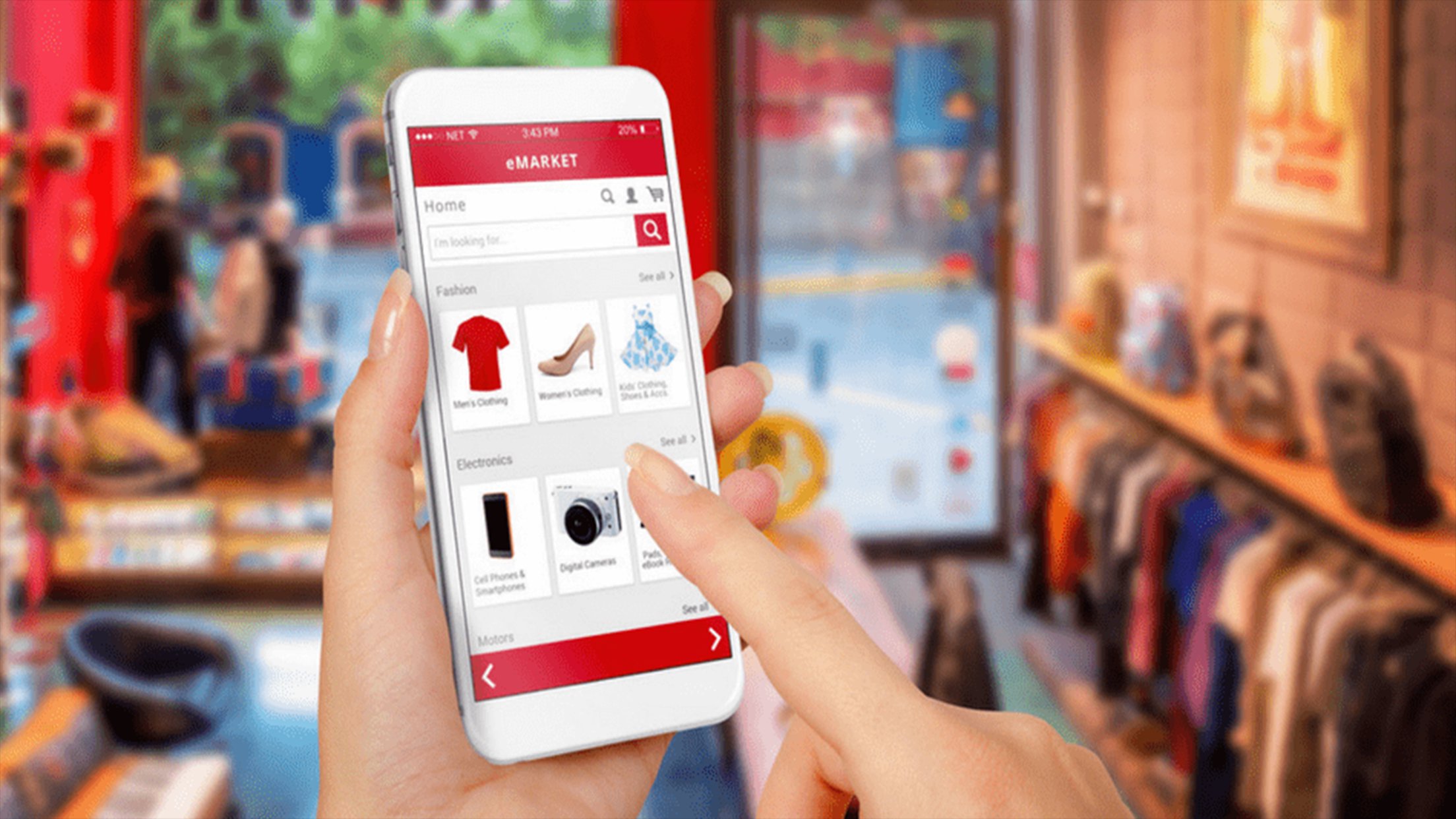
It is incredibly frustrating to finish your online shopping, authorise the payment on your card, and then get a notification later saying that several items are suddenly out of stock. Most of us naturally assume that once the transaction is confirmed on our screen, those products are virtually reserved and ready to be packed. In reality, the way online shopping apps track what is actually sitting on the shelves is a bit more of a balancing act than it looks from the outside. Understanding why these digital disappearances happen can help make the next shop much less of a headache.
The Gap Between Screens And Shelves
The main reason an item gets cancelled after you have paid is usually a small delay in communication between the physical shop and the digital system. While online shopping apps try their best to show exactly what is available at that moment, a supermarket is a busy place where hundreds of people are grabbing things at the same time. Someone standing in the actual shop might put the very last loaf of bread in their trolley just seconds before your digital order is processed. Because the stock levels on an online grocery delivery app do not always update the very second a physical barcode is scanned, a product can look like it is ready to buy when it has already been claimed by someone in the building.
How The Picking Process Works
When an order is placed, it does not actually get grabbed off the shelf right away. There is often a long gap between when the money leaves your bank account and when a staff member actually starts walking the aisles with a crate to find your bits. During this time, plenty of other customers might buy the remaining stock of a popular item like milk or eggs. Even the most advanced online shopping apps struggle to predict these sudden surges in demand or late delivery trucks. It is essentially a race between the person clicking a button at home and the shoppers physically moving through the aisles. This is why an online grocery delivery app might show an item as available when you pay, but report it as missing by the time the picker gets to that aisle.
Using Substitutions To Save The Day
The best way to avoid ending up with a missing ingredient for dinner is to use the built-in features designed to handle these stock gaps. Most people find that enabling the auto-substitution setting on their online grocery delivery app is the easiest fix for a stress-free delivery. This tells the person picking your order that if your specific brand of pasta or butter is gone, they should just grab the closest possible alternative instead. It stops the system from just cancelling the item altogether and leaving you with nothing. Taking a few seconds to choose these preferences ensures that a suitable replacement actually arrives at your door.
Making The Most Of Digital Shopping
At the end of the day, using online shopping apps is supposed to save you time, not add to your stress. Even though the technology is clever, it still relies on physical shelves that can be cleared out in an instant by someone walking down the aisle. Being a bit flexible with different brands or pack sizes is really the secret to a successful shop without any letdowns. By knowing how these systems talk to each other and ticking those backup boxes, you can make the whole routine feel much more reliable. It turns a potential headache into a simple part of the week that keeps the house running smoothly without any annoying surprises at the front door.